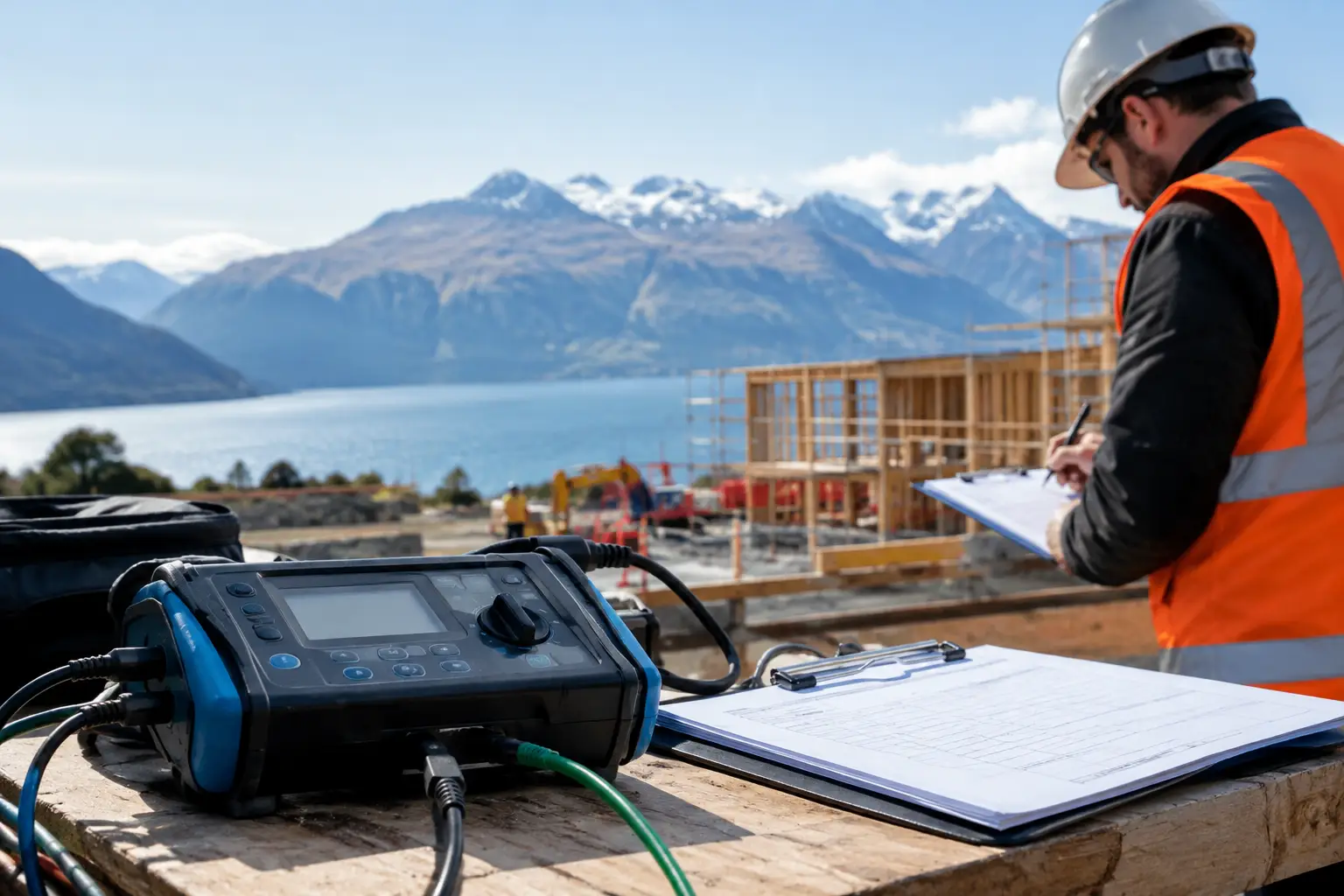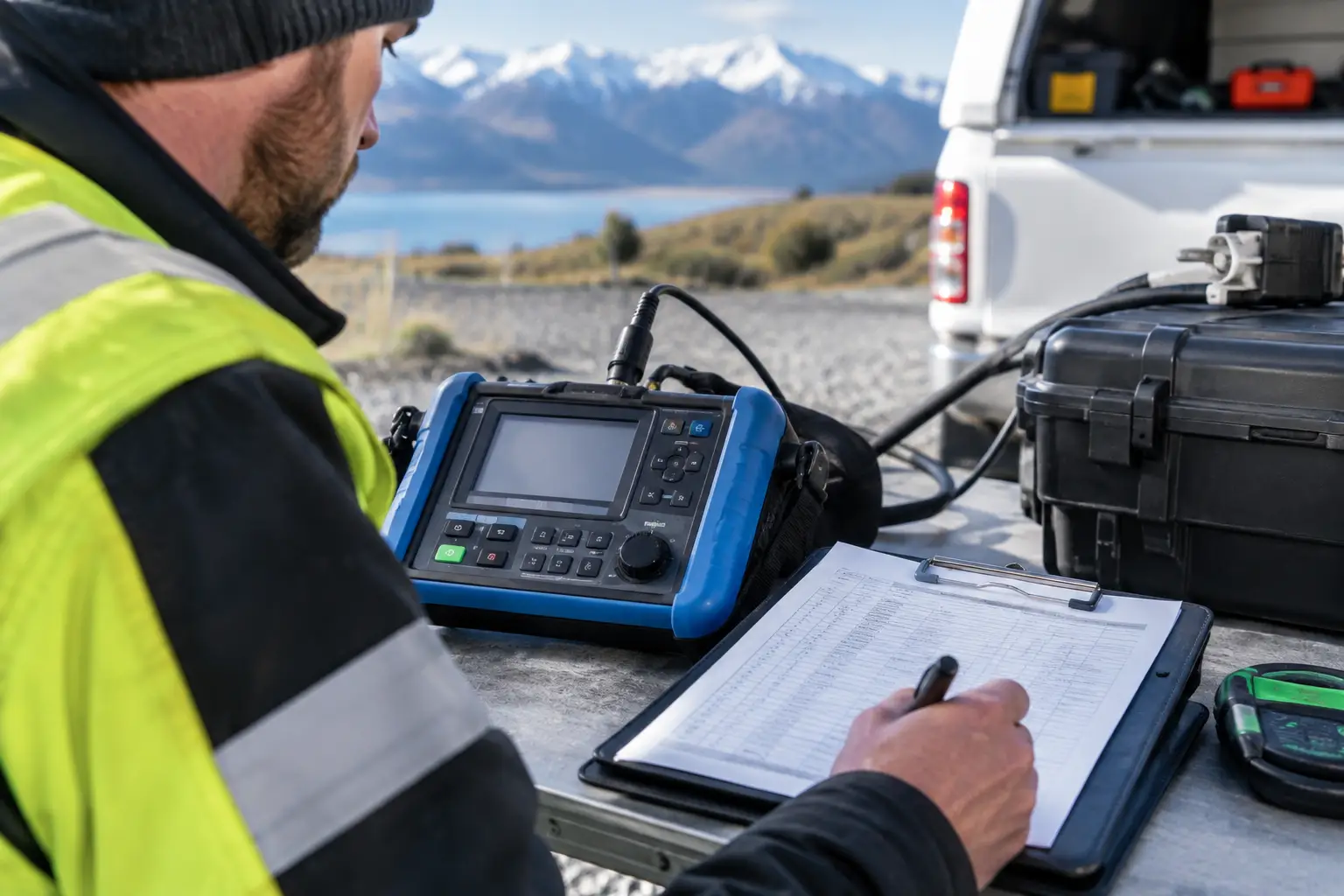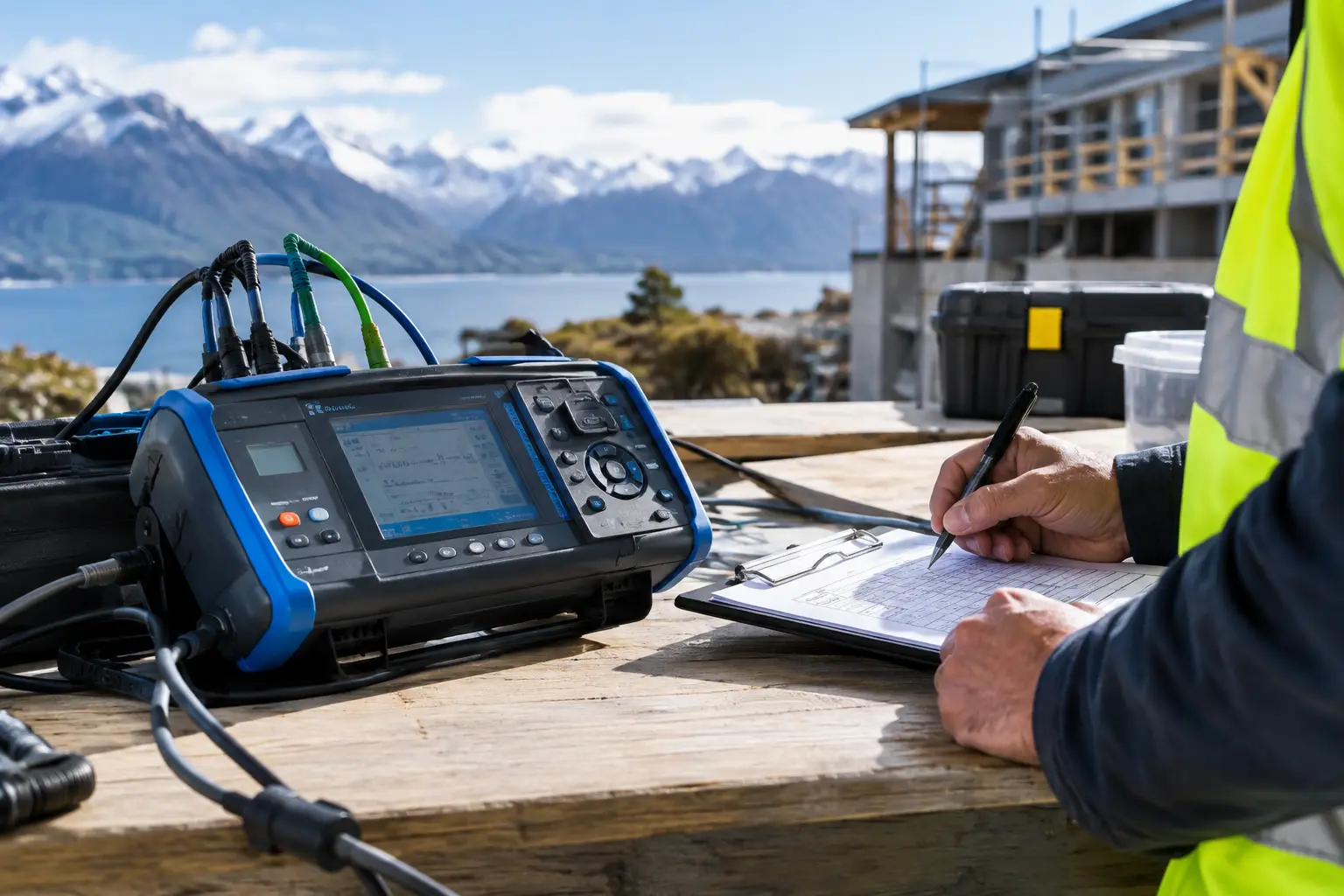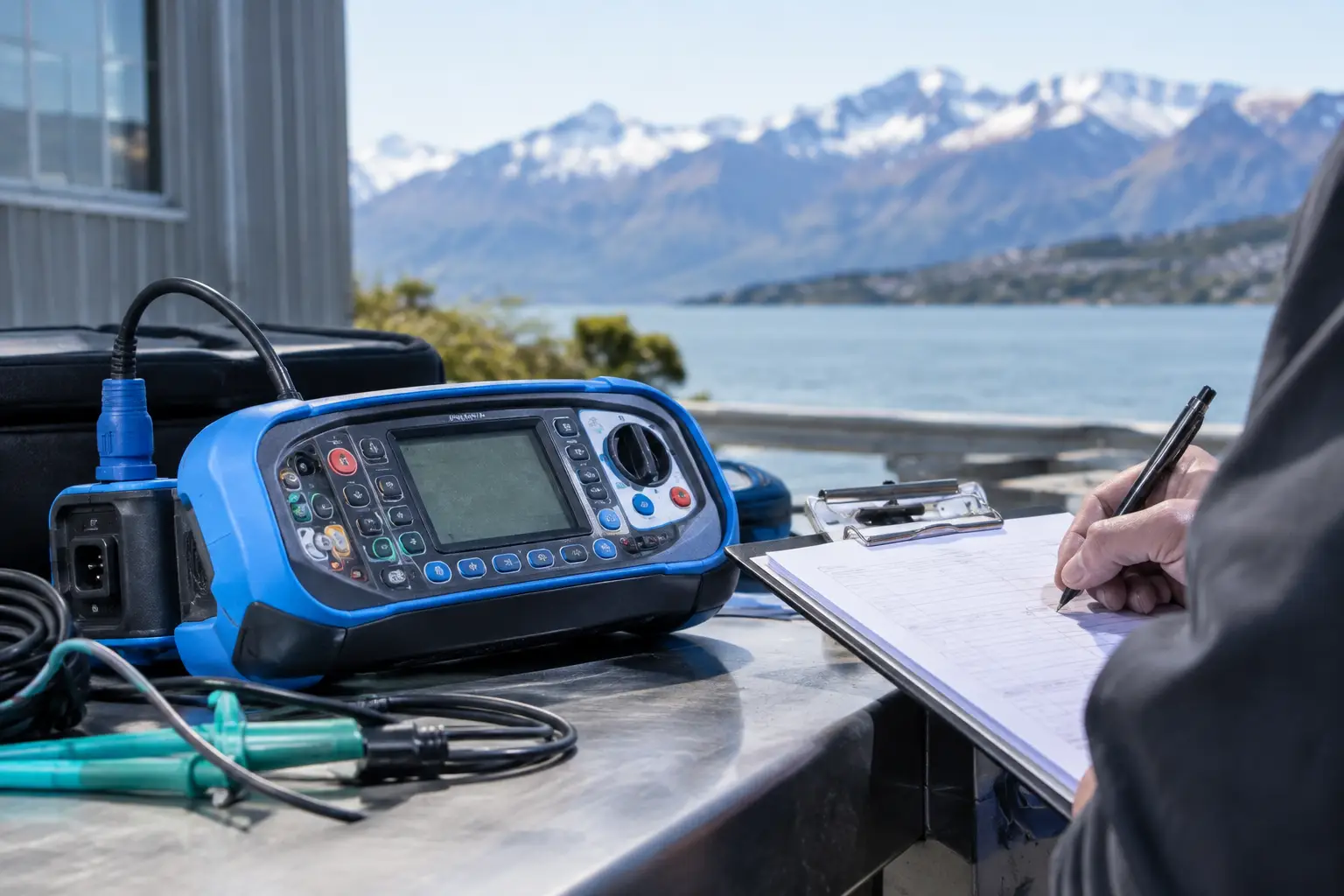
A missing extension lead may seem minor until a fault, incident investigation or client audit reveals nobody can confirm where it came from, when it was checked or whether it was safe to use. A well-managed facility equipment register setup guide gives site managers one reliable record of portable electrical equipment, its inspection status and its next required test date.
For busy workplaces, the register is more than administration. It helps remove faulty equipment from service quickly, prevents missed retesting dates and gives managers clear evidence that electrical safety is being actively managed. Whether you operate a workshop, construction site, warehouse, office or manufacturing facility, a practical register reduces uncertainty without creating more work for your team.
Start with the purpose of your register
An equipment register should answer a few simple questions immediately: what equipment is on site, who is responsible for it, where is it used, what condition is it in and when is its next inspection due?
This matters because portable electrical equipment moves. A drill can be transferred between jobs, a heater can be brought in during winter, and a lead can be shared between teams. If those items are not recorded when they enter the workplace, they can easily fall outside the inspection and testing programme.
Your register should support the electrical safety procedures already used at your site. It is not a substitute for staff checking equipment before use or reporting damage. Instead, it provides the documented history behind those day-to-day checks and makes scheduled compliance testing easier to manage.
Decide what equipment belongs in the register
Include portable electrical equipment that is owned, hired, borrowed or regularly used on the site. This commonly includes power leads, power boards, battery chargers, portable tools, monitors, printers, kitchen appliances, welding equipment and portable machinery.
It is also wise to include equipment brought in by contractors where your site rules require verification before use. The exact approach depends on the site, contract terms and level of risk. On a construction or industrial site, contractor equipment often needs closer control than equipment used in a low-risk office area.
Fixed equipment may be managed through a separate maintenance programme, but portable items should not be overlooked simply because they appear low risk. A damaged office kettle or frayed phone charger can still create a shock or fire risk.
Before building the register, carry out a physical walk-through. Check work areas, storage rooms, site sheds, vehicles and shared spaces. Speak with supervisors and team leaders, as they often know about equipment that is not visible during an initial inspection.
Choose fields that make the register useful
A register should be detailed enough to prove control, but simple enough that people can keep it current. Avoid collecting information that nobody will use. For most workplaces, each item should have a unique asset number, equipment description, brand or model, serial number where available, and the location or department that normally uses it.
It should also record the equipment owner, test date, next test due date, inspection outcome and any notes about faults, repairs or removal from service. Where a test and tag label has been applied, record the label or tag identification number if your system uses one.
The asset number is particularly useful. Serial numbers can be worn away, missing or difficult to read, while a clearly applied asset label allows the item to be matched quickly to its record. Use a numbering method that makes sense for your site, such as a site code followed by an item number.
For example, a workshop may use WK-001 for a portable grinder, while an office location might use OF-001 for a printer. The specific format matters less than applying it consistently.
Record condition and status, not just a test date
A register that only lists dates does not tell the full story. Include a clear status field such as in service, out of service, under repair, disposed of or awaiting inspection. This prevents an item that failed testing from being accidentally returned to use.
If equipment is removed from service, note why and what happened next. A short entry such as “lead damaged at plug end – removed from workshop, replacement issued” creates a useful record if questions arise later.
Set retesting intervals based on risk
Testing frequencies should reflect the environment and how equipment is used. Equipment exposed to dust, moisture, vibration, outdoor conditions, heavy handling or regular movement generally requires more frequent inspection and testing than equipment in a controlled office setting.
AS/NZS 3760:2010 provides guidance on inspection and testing intervals for different environments and equipment types. Your workplace may also have client requirements, insurance conditions or internal health and safety procedures that set more frequent intervals.
A site manager should not assume one retesting schedule suits every item. A power lead used daily on a construction site and a desktop monitor in an office do not face the same conditions. Separating equipment by work environment helps you set realistic due dates and avoid both missed testing and unnecessary disruption.
Where equipment is transferred between areas, update its location and review whether its testing interval still applies. A tool moved from a clean workshop into a harsher field environment may need to be managed differently.
Build a process for new, moved and retired assets
Most registers become inaccurate gradually, not because the original list was poor, but because changes were never captured. The solution is to make register updates part of normal site processes.
When new equipment arrives, assign an asset number and add it to the register before it is issued for use. Record purchase or commissioning details if they are relevant to your records, then confirm when it will first require inspection and testing under your programme.
When equipment moves between departments, jobs or sites, update the location and responsible person. This is especially important for organisations with crews working across multiple sites or travelling throughout the South Island. If nobody can locate an item when testing is due, it can quickly become an administrative problem.
When equipment is disposed of, stolen or permanently removed from use, do not simply delete it. Mark it as retired and record the date and reason. Keeping this history avoids confusion when an old asset number appears in previous reports or tags.
Make the register easy to audit and act on
The best register is one that helps a supervisor make a decision in minutes. It should be searchable, clearly dated and able to show all overdue items at a glance. A spreadsheet can work well for a small site with disciplined administration, while larger or multi-site operations may benefit from an asset-management system supplied with their testing reports.
Whichever format you use, nominate someone to maintain it. The person does not need to be an electrical specialist, but they do need the authority to chase missing equipment, update movements and remove failed items from the active list.
Review the register before each scheduled testing round. Compare it with the previous report, check for additions and removals, and ask supervisors whether equipment has been purchased, hired or transferred since the last visit. This simple preparation means the technician can test more efficiently and reduces the likelihood of unrecorded items being missed.
Keep reports and certificates with the register or in a clearly identified folder. If a client, insurer or health and safety representative asks for evidence, you should be able to provide the asset record, inspection result and current due date without searching through emails or paper files.
Common register mistakes to avoid
The most common problem is treating the register as a one-off list created only for an initial test and tag visit. Equipment changes too often for that approach to remain accurate. Another issue is recording generic descriptions such as “black lead” or “drill”, which makes it difficult to identify the correct item later.
Avoid using the register only at testing time. If an item is damaged, removed, replaced or moved, update the record as part of the event. Also avoid relying only on the tag attached to equipment. Tags can fade, tear or be replaced, while the register provides the wider audit trail.
Finally, do not let overdue equipment remain in service because it is needed for a job. If business continuity is the concern, schedule testing in stages, identify critical equipment early and arrange access around operational needs. A tailored programme is usually far easier than responding after an avoidable fault or failed audit.
Keep compliance manageable
A facility equipment register works best when it is treated as a working safety tool, not a document filed away after testing. Clear asset identification, sensible testing intervals and regular updates give managers greater control over equipment condition and compliance obligations.
For Christchurch and South Island businesses, Phase Test and Tag can provide testing records and asset-register documentation that make ongoing management more straightforward. The practical goal is simple: your team should know which equipment is safe to use, what needs attention and when the next action is due.