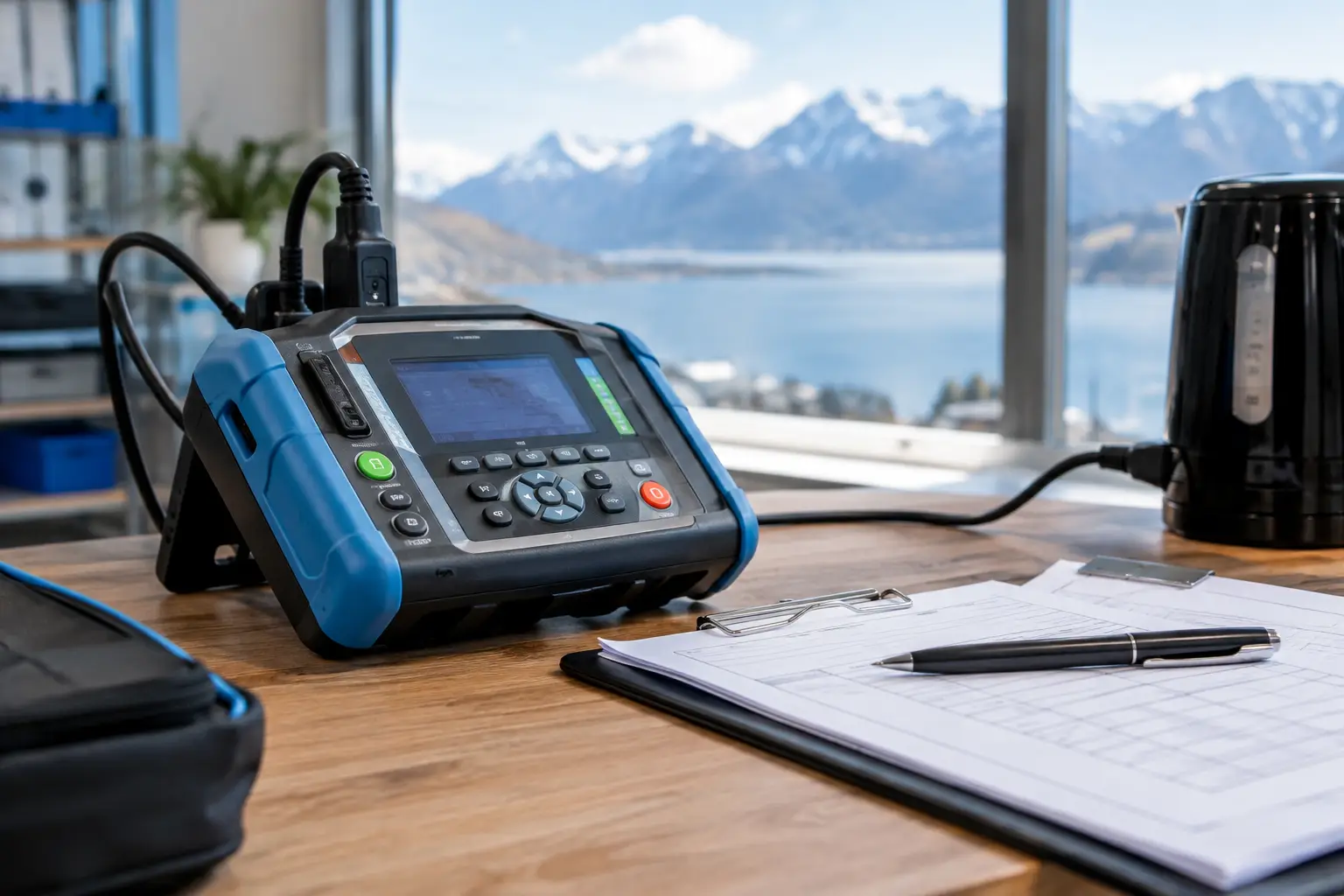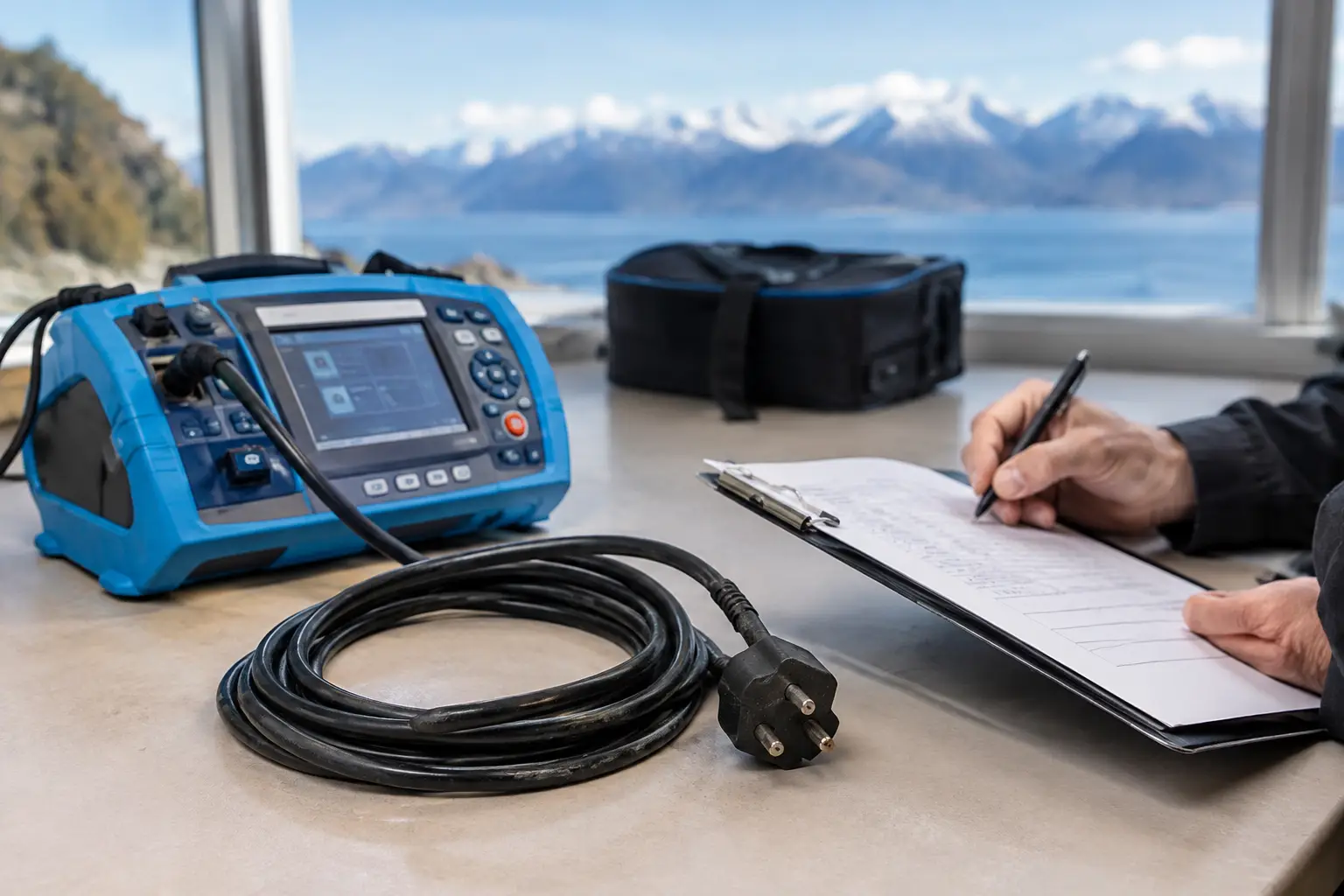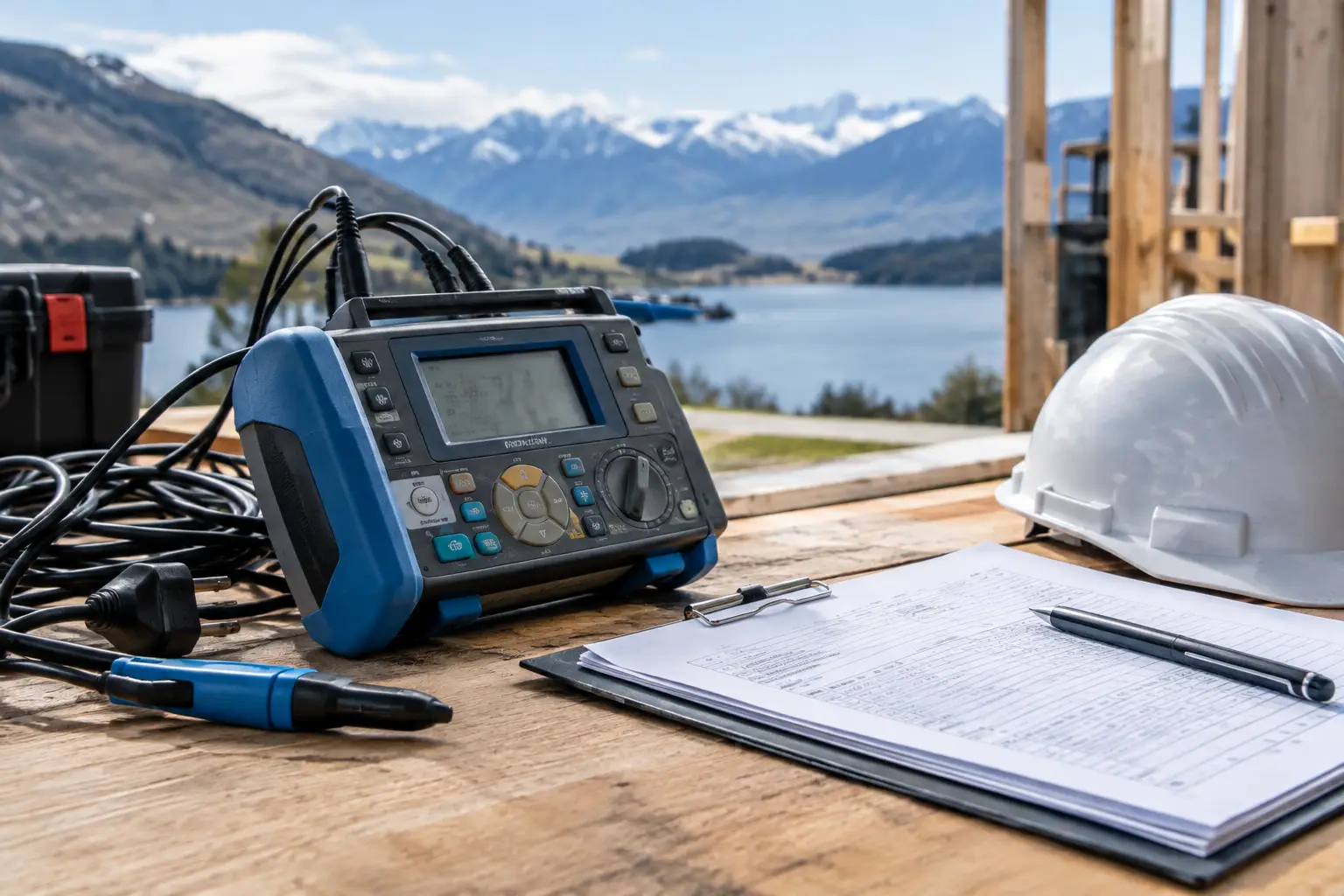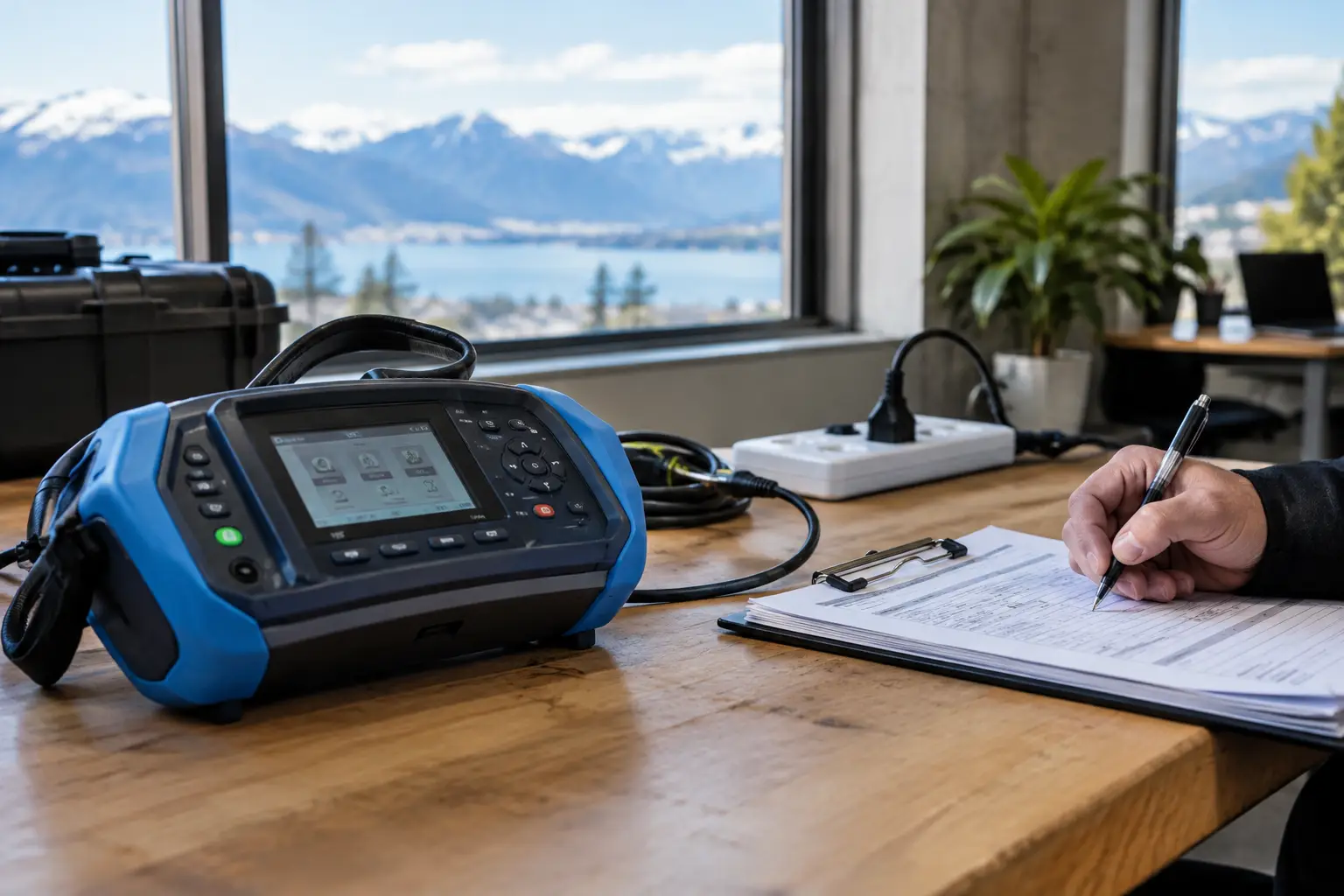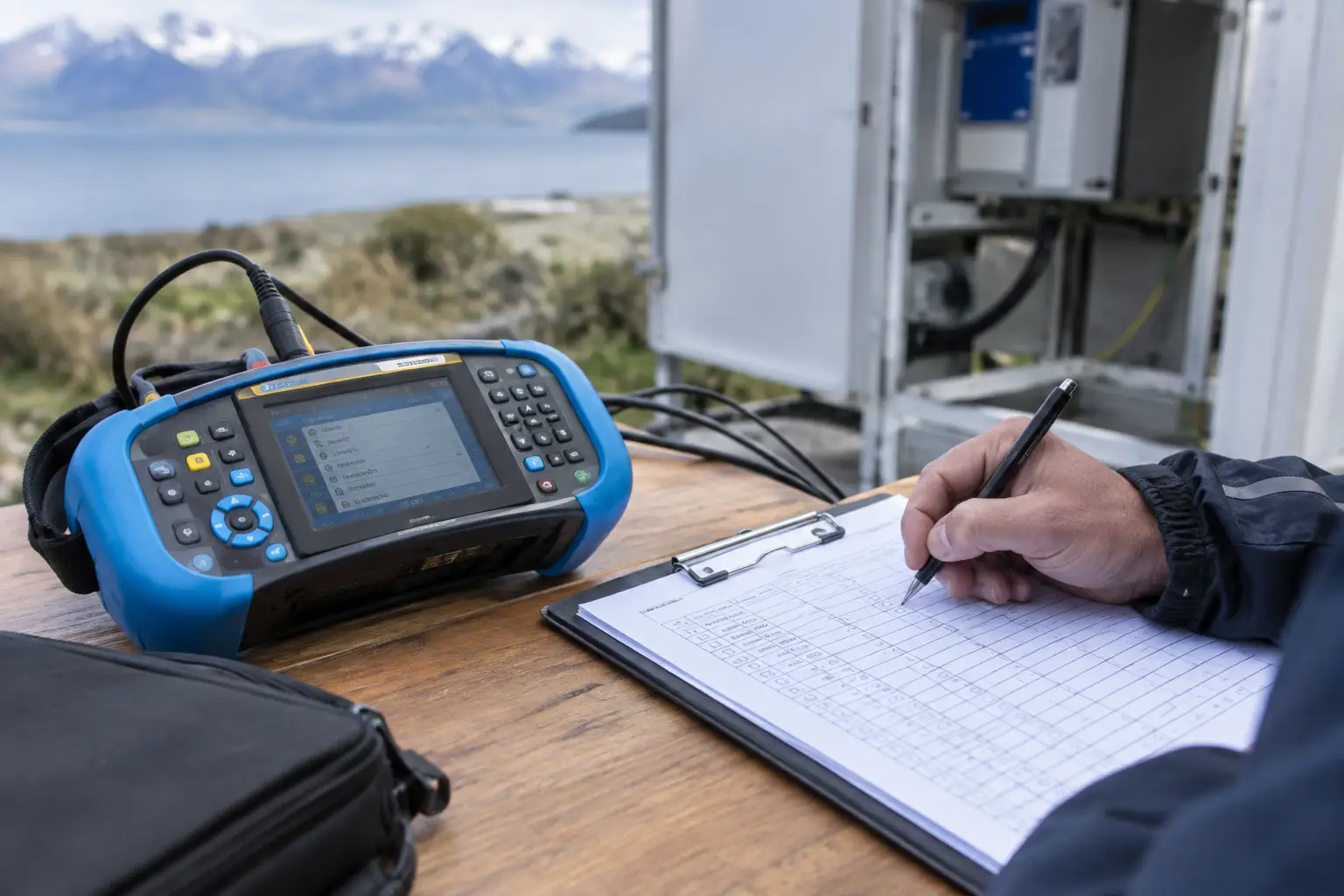
A failed extension lead found after an incident is a poor time to discover nobody knew it was on site, who used it or when it was last checked. That is the practical reason to learn how to build equipment registers properly. A good register gives your team a clear record of the portable electrical equipment you own, where it is used and what action is due next.
For busy sites, the register should not become another spreadsheet that is updated once and forgotten. It needs to support day-to-day safety decisions, make test and tag visits more efficient and give managers reliable documentation when a client, insurer or regulator asks for it. Done well, it turns electrical compliance into a routine part of running the site.
What an equipment register is meant to do
An equipment register is a controlled list of electrical assets. It records the identity, location, condition and inspection history of each item, from a laptop charger in an office through to three-phase portable equipment in a workshop or construction environment.
The key word is controlled. Equipment moves between vehicles, storage areas, work fronts and different sites. It is bought, hired, repaired, retired and occasionally misplaced. A register must make those changes visible. If it only lists the equipment present on the day someone first created it, it will quickly stop being useful.
Your register also supports the inspection and testing programme required under AS/NZS 3760:2010. The standard uses the environment and type of equipment to guide inspection and testing intervals. Equipment in a harsh, high-use or construction setting generally needs more frequent attention than equipment in a low-risk office. Your register is where those different due dates can be managed without relying on memory.
Start with a practical equipment audit
Before setting up columns or choosing software, walk the site and identify what should be included. This is best done area by area: offices, workshops, lunchrooms, storage areas, vehicles, site sheds and plant rooms. Speak with supervisors and operators too. They will often know about leads, chargers and portable tools kept in lockers, toolboxes or temporary work areas.
Include portable and movable electrical equipment that plugs into a power source, as well as extension leads, portable outlet devices and power boards. For workplaces using industrial equipment, capture relevant three-phase portable items as well. Fixed equipment may require a different management approach, so avoid treating every electrical item as though it has the same inspection requirement.
A physical audit is also the right time to deal with equipment that should not remain in service. Damaged plugs, taped leads, cracked casings, missing guards or equipment with signs of overheating should be removed from use and assessed before it returns to the workplace. A register records an asset, but it does not make an unsafe asset safe.
How to build equipment registers with useful fields
Keep the format simple enough that people will maintain it, but detailed enough to answer the questions that matter. Whether you use a spreadsheet, a compliance platform or reports supplied after testing, each asset record should contain consistent information.
For most businesses, the following fields provide a sound starting point:
- Unique asset ID or tag number
- Equipment description, make and model
- Serial number where available
- Site, department or usual location
- Person, team or cost centre responsible for it
- Equipment class and power type, including single-phase or three-phase where relevant
- Date inspected and tested, result and tester details
- Next test due date and current status
The unique ID is particularly important. Descriptions such as “blue drill” or “kitchen kettle” may make sense to one person, but they become confusing as equipment changes or the business grows. A durable test tag with a matching asset number makes it easier to match the physical item to its record.
Photographs can help with high-value, similar-looking or mobile assets, although they are not essential for every item. For hired equipment, record the hire company and hire period. This helps establish who is responsible for inspections and prevents hired items being overlooked because they were not part of the original asset list.
Set inspection frequencies by risk, not convenience
One of the most common register mistakes is assigning the same retest date to everything. It may feel easier administratively, but it can create unnecessary testing for low-risk equipment while missing the higher exposure of tools used in demanding conditions.
Consider the environment first. Equipment used outdoors, on construction sites, in workshops, near moisture or around abrasive dust faces more wear than a desktop monitor in a controlled office. Also consider how often an item is moved, handled and shared. A lead used daily by several trades has a different risk profile from a printer that stays in one place.
AS/NZS 3760:2010 provides guidance on inspection and testing intervals, but the right programme depends on your workplace and client requirements. Some principal contractors set their own site rules, and insurance conditions or internal health and safety systems may add further expectations. Record the chosen interval and the reason for it. That makes the approach easier to review later and demonstrates that the programme is based on risk.
Make the register part of site routines
The best register is maintained through simple triggers, not an annual scramble. Add a process for new purchases before they enter service. When equipment is transferred, update its location. When it is disposed of, sold or permanently removed from use, mark it as retired rather than deleting its history.
It also helps to nominate one person or role to own register updates, even if several people supply the information. On a larger site, supervisors can report changes while the facilities, health and safety or administration team maintains the master record. Clear responsibility prevents duplicate entries and gaps between departments.
During regular site checks, encourage workers to report damaged equipment immediately. The register can include a quarantine or out-of-service status, the fault identified, and the date the item was removed. This creates an auditable trail and stops failed items appearing as though they are still available for use.
Use test and tag results to keep records current
A scheduled testing visit is an efficient time to verify the register against what is actually on site. Equipment may have moved, been replaced or arrived since the prior visit. Ask for the register to be reconciled as part of the process, rather than simply accepting last year’s list.
Testing records should show whether each item passed, failed, was repaired and retested, or was removed from service. A clean pass/fail report paired with an asset register gives managers more than proof of compliance. It shows what is owned, where recurring issues are appearing and which equipment may be nearing the end of its useful working life.
For example, repeated damage to leads in one loading area may point to storage or handling practices that need attention. Multiple failures among older appliances can inform replacement planning. The register becomes a preventative maintenance tool, not just a file prepared for an audit.
Choose a format your team can sustain
A small office with a limited number of appliances may manage well with a carefully controlled spreadsheet. A multi-site contractor, manufacturer or facility with frequent equipment movement may benefit from a digital register that can be filtered by location, due date and status. There is no value in paying for a complex system that no one can update, but there is also a limit to what a single shared spreadsheet can reliably manage.
Whichever format you choose, keep a secure backup and restrict editing rights where appropriate. Set reminders ahead of due dates, not on the day equipment is due for testing. Allowing time to organise access, locate mobile assets and address failures reduces disruption to operations.
Phase Test and Tag can provide clear asset-management documentation alongside scheduled testing, helping South Island businesses maintain a record that remains useful between visits. The goal is not more paperwork. It is knowing that the equipment your people use is accounted for, assessed at an appropriate interval and easier to manage when the next due date arrives.
A register earns its place when a supervisor can answer three questions without searching through old emails: what equipment do we have, is it safe to use, and what needs attention next?